Photo Cleanup Clear your camera roll
Review your photo library one swipe at a time, catch the screenshots and near-identical shots you never look at, and free up storage. Your photos never leave your iPhone.
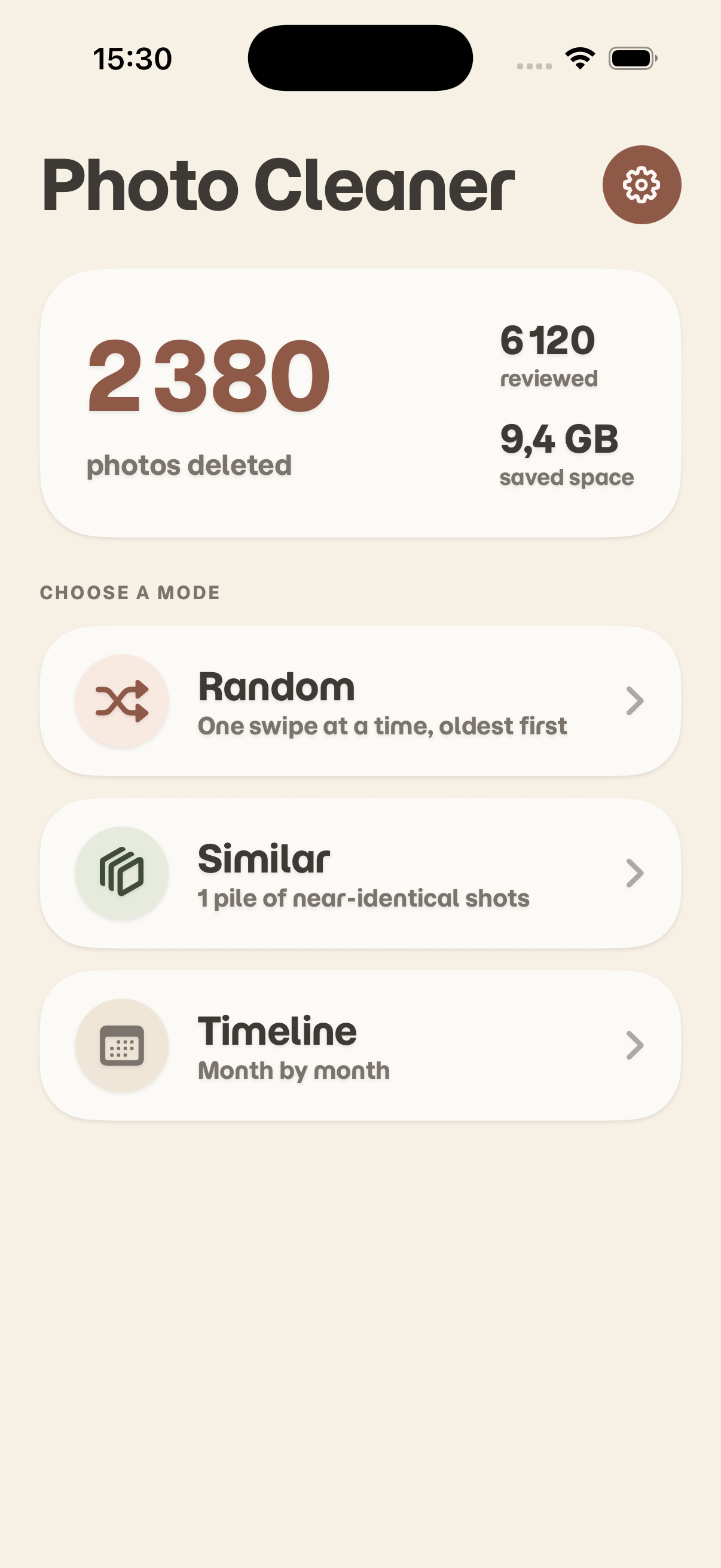
Everything you need to clean up your photo library
Pick a mode, swipe through a short session, and confirm what goes — nothing is deleted without you.
Random review
One photo at a time, oldest first. Short sessions that make a dent in a library you would never sort by hand.
Similar photos
On-device image analysis groups near-identical shots together so you can keep the best one and drop the rest.
Screenshots
Go straight to the screenshots piling up in your library — usually the fastest storage you will ever recover.
Timeline and On this day
Work through your library month by month, or revisit the photos taken on today’s date in previous years.
You confirm every deletion
Marking a photo during a session deletes nothing. You see a recap, you confirm, and iOS shows its own confirmation on top of that.
Recoverable for 30 days
Confirmed photos are moved to Recently Deleted, where iOS keeps them for about 30 days. You can restore any of them from the Photos app.
Your photos stay on your iPhone
No server, no account, no upload. No photo, thumbnail, file name, location or metadata ever leaves your device.
Track what you have saved
See how many photos you have reviewed and deleted, and how much storage those deletions freed up.